

For older adults trying AI for the first time, three of the easiest tools are Apple Siri (free, built into every iPhone and iPad), Amazon Alexa (free, though it needs an Echo speaker or the free Alexa app) and ChatGPT (free version, with optional paid plans). Each one answers questions spoken aloud.
Choosing the right AI tools can make life easier for seniors, helping with daily tasks, staying connected, and even reducing feelings of isolation. But with so many options available, where do you start? This guide highlights 10 AI tools designed specifically to support seniors in managing their routines, staying independent, and enjoying life. From voice assistants to digital companions, we’ll walk through what each tool offers, how it works, and how it can make a difference in your day-to-day life. Let’s explore these tools together, so you can find the best fit for your needs or the needs of your loved ones.1. ChatGPT
 ChatGPT is designed to simplify daily tasks through natural conversation, making it a helpful tool for seniors. By January, it had reached an impressive 100 million monthly active users, earning the title of the fastest-growing consumer application. Its appeal lies in its straightforward approach - just type your questions or requests as you would in a regular conversation.
Accessibility and Ease of Use for Seniors
ChatGPT removes the hurdles often associated with technology by relying on plain, conversational language. Seniors don’t need to memorize commands or navigate confusing menus. It works seamlessly on computers, tablets, and smartphones, ensuring it’s available wherever you are. For those with visual or mobility challenges, features like screen reader compatibility and keyboard navigation make it even more accessible. Getting started is easy - just begin typing naturally. If an answer seems unclear, you can ask for clarification or request a simpler explanation. Many senior centers now offer ChatGPT training sessions, helping older adults feel confident using the tool. Its user-friendly design makes it a practical way to handle everyday tasks without unnecessary complications.Practical Functionality for Daily Life
ChatGPT is particularly useful for managing the small but essential tasks of daily living. It can help you draft emails to loved ones, write thank-you notes, or compose letters with the right tone. For health-related concerns, ChatGPT handles over 1 million daily health-related queries from seniors, explaining medical terms in plain language and even helping prepare questions for doctor visits. Support specialists frequently see seniors using ChatGPT to organize digital files, set up devices, or draft messages - all without needing to learn technical jargon.Support for Independence and Well-being
Beyond its practical uses, ChatGPT can contribute to emotional well-being. It serves as a virtual companion, offering a friendly space to share thoughts, discuss current events, or reminisce about the past - helping to ease feelings of loneliness or isolation. For those passionate about lifelong learning, ChatGPT makes exploring new topics both fun and approachable. Whether you’re curious about history, science, classic films, or today’s headlines, it breaks down complex ideas into simple explanations and adapts to your pace and interests. This ensures learning stays enjoyable rather than overwhelming. The basic version of ChatGPT is free, though response times might slow during busy periods. This affordability ensures that seniors can experience the benefits of AI without worrying about cost, making it an accessible tool for enhancing daily life.2. Google Gemini
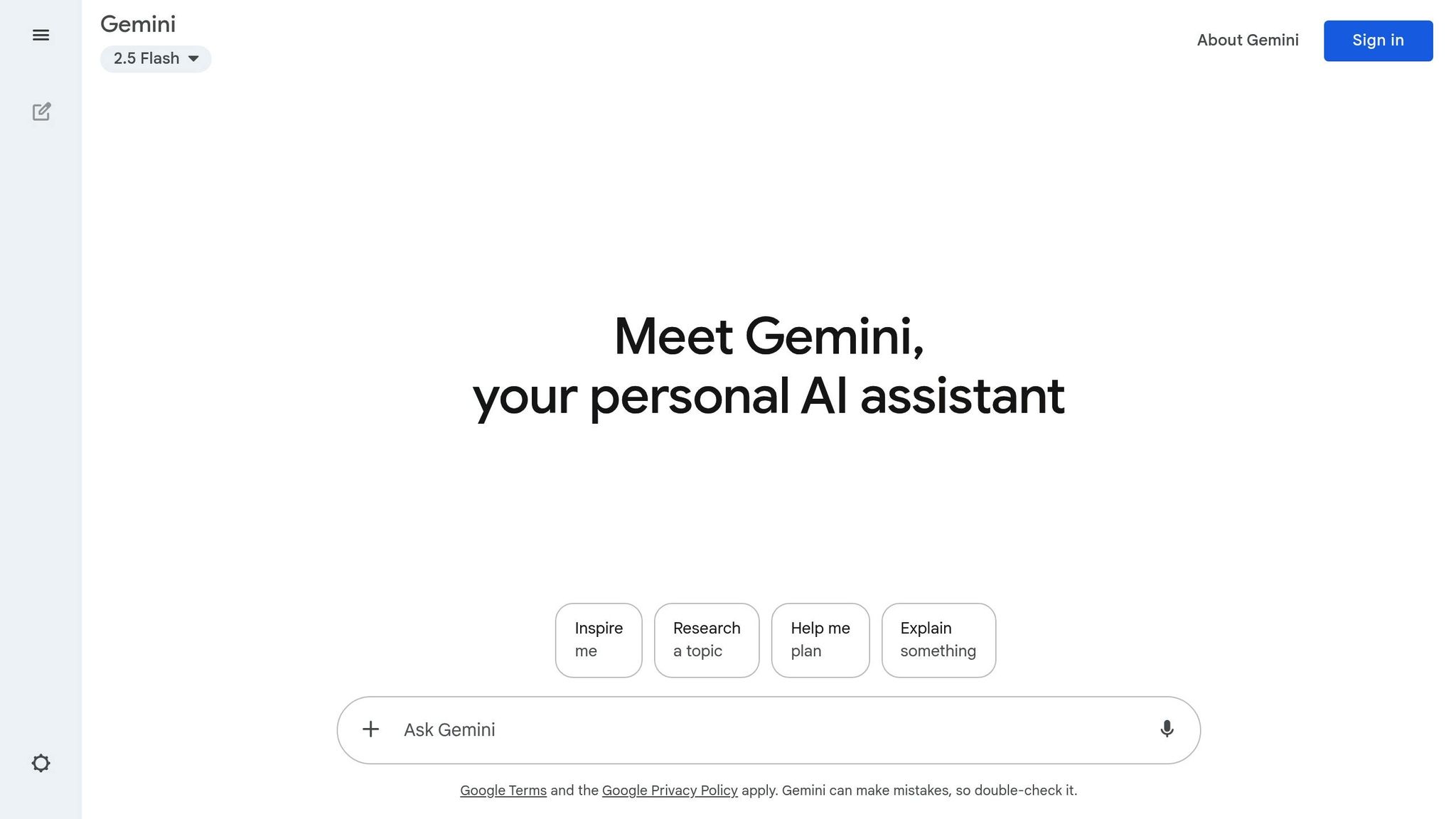 Google Gemini offers a conversational AI experience tailored to assist seniors seamlessly. Unlike traditional voice assistants that rely on rigid commands, Gemini understands natural, complex language, providing thoughtful and detailed responses. Let’s explore how its user-friendly features simplify daily life for older adults.
Accessibility and Ease of Use for Seniors
Gemini is built to eliminate many of the challenges older adults face with technology. Its ability to understand context means you don’t have to repeat key details when asking follow-up questions. It remembers the flow of your conversation, making interactions smoother and more intuitive. For those with visual impairments, Gemini's "Describe Screen" function provides spoken summaries of on-screen content, making even visually complex websites easier to navigate. Additionally, the Gemini-powered TalkBack tool allows users to ask specific questions about screen elements, including images, adding an extra layer of accessibility. Getting started is simple - just activate Gemini through your device's assistant settings or download the app from Google Play or the Apple Store.Practical Functionality for Daily Life
Gemini’s design isn’t just easy to use - it’s practical for everyday tasks. It can read documents aloud, summarize lengthy content, and assist with editing, giving users more independence. Whether you prefer text, voice, or even camera input, Gemini adapts to your needs. For example, it can summarize long Gmail threads, pull out recipes and their ingredients, or even help with health-related research. Thomas Wagner, a Google employee, shared how Gemini helped him understand complex medical journal articles about his son’s diagnosis of Alexander disease, showing how the tool can simplify even the most intricate information. Another standout feature is Live Video Mode, which provides real-time visual assistance. By opening the Gemini app, selecting the icon with three lines and a star, and pointing your camera at an object, you can ask questions about it. This feature is particularly helpful for reading signs, translating text, or identifying unfamiliar objects.Integration with Common Devices and Platforms
Gemini works seamlessly with smart home devices and Google services, making it easier to manage daily routines. It integrates with messaging apps and Google Maps for straightforward communication and navigation. For smart home control, Gemini connects with Google Home devices, enabling you to adjust lights, thermostats, and more using natural speech. To activate this, go to the Gemini app, navigate to your account, select "Extensions", and toggle the Google Home option. For instance, you can adjust multiple settings in your home with a single command, enhancing both convenience and safety."We are reaching a turning point where technology becomes so advanced that it... disappears. It becomes invisible. Instead of us having to learn and adapt to the technology, the technology learns about us and adapts to our needs, our language, our abilities." - David Gibson
Support for Independence and Well-being
Gemini’s multimodal features go beyond basic assistance, supporting independence and improving quality of life. It can create to-do lists, manage shopping lists in Google Keep, schedule events with location details, and even send reminders to family members. It also curates playlists on YouTube Music and assists with travel planning through Google Flights and Hotels. In August 2024, Google launched Gemini Live, a conversational tool that allows for natural, free-flowing interactions. You can interrupt responses to explore topics further or pause conversations and return to them later, creating a relaxed and personalized experience. Gemini is also designed to be affordable. The free version supports tasks like planning, image generation, and writing. Google also sells paid Google AI plans with more features; check Google's site for current plans and prices."With Gemini, we're reimagining what it means for a personal assistant to be truly helpful. Gemini is evolving to provide AI-powered mobile assistance that will offer a new level of help - all while being more natural, conversational and intuitive." - Sissie Hsiao, Vice President and General Manager, Gemini experiences and Google Assistant
3. Amazon Alexa
 Amazon Alexa has become one of the most accessible AI assistants for seniors, offering a simple way to interact through voice commands. With over 46 million Amazon Echo devices installed across the U.S. as of 2020, Alexa has proven to be a valuable tool for seniors, helping them handle daily tasks without the challenges of traditional technology.
Accessibility and Ease of Use for Seniors
Alexa eliminates many of the hurdles seniors face with technology. Its hands-free operation is especially helpful for those dealing with arthritis, limited mobility, or vision impairments. Instead of navigating tiny buttons or complicated menus, seniors can simply speak their requests. Alexa devices come in a range of options, from budget-friendly audio-only models to high-end devices with screens, like the Echo Show. These screen-enabled devices combine a speaker with a display, making it easier to interact visually. Placing devices in convenient locations and providing a simple list of commands can make the experience even smoother. Additionally, Alexa can be tailored to individual preferences. Users can adjust the voice settings, including gender, accent, speed, and volume, to create a more comfortable and personalized experience.Practical Features for Everyday Life
Alexa is a versatile tool for managing daily routines. It can set reminders for medications, appointments, and even help with hands-free calls to loved ones or healthcare providers. Staying connected is straightforward with Alexa's voice and video calling capabilities. Seniors don’t need to remember phone numbers or navigate apps - they just ask Alexa to make the call. The device can also send emergency alerts, providing a quick way to get help when needed. For entertainment and mental engagement, Alexa offers music, audiobooks, news updates, and trivia games. These features not only keep seniors entertained but can also combat feelings of loneliness. Studies show that more than one in three adults over 45 feel lonely, a condition linked to a 50% higher risk of dementia. Alexa also simplifies managing smart home devices, extending its usefulness to everyday tasks.Integration with Smart Devices and Healthcare Platforms
Alexa connects seamlessly with smart devices like lights, security cameras, and thermostats, making home management easier and safer - especially for seniors who may struggle with manual controls. In October 2021, Amazon introduced the Alexa Smart Properties program, tailored for healthcare systems and senior living communities. This program allows seniors to stay connected with their healthcare providers, check dining menus, and manage appointments using voice commands."When we started using Alexa three years ago, our senior residents were hesitant about using technology. By adopting voice technology into our community, our residents have found more independence in their daily living."Alexa also integrates with medical alert systems like Lively, enabling seniors to call for help using just their voice. This feature provides peace of mind for both seniors and their families.
- Todd Carling, Director of Business Development, Fellowship Square Mesa Community
Supporting Independence and Well-being
Alexa's benefits go beyond convenience, contributing to seniors' independence and emotional well-being. A 2021 study from the University of Nebraska-Lincoln found that personal voice assistants can reduce loneliness and isolation in seniors living alone. This is particularly important, as poor social connections are linked to a 32% higher risk of stroke and a 29% higher risk of heart disease. At Cedars-Sinai Medical Center, Alexa Smart Properties has improved patient care and experience."Voice is intuitive for patients, regardless of age or tech savviness. Since it's so easy to operate, patients can use Alexa to connect with their care team and stay entertained as soon as they settle in, while care providers can streamline tasks to make more time to care for those patients. It's a total game-changer for enhancing our hospital experience."Senior living communities like Atria and Eskaton have also embraced Alexa, helping residents stay engaged and connected with their families. The technology adapts to individual needs while maintaining the simplicity that makes it accessible, regardless of tech experience.
- Peachy Hain, Executive Director of Medical and Surgical Services, Cedars-Sinai Health System
4. Apple Siri
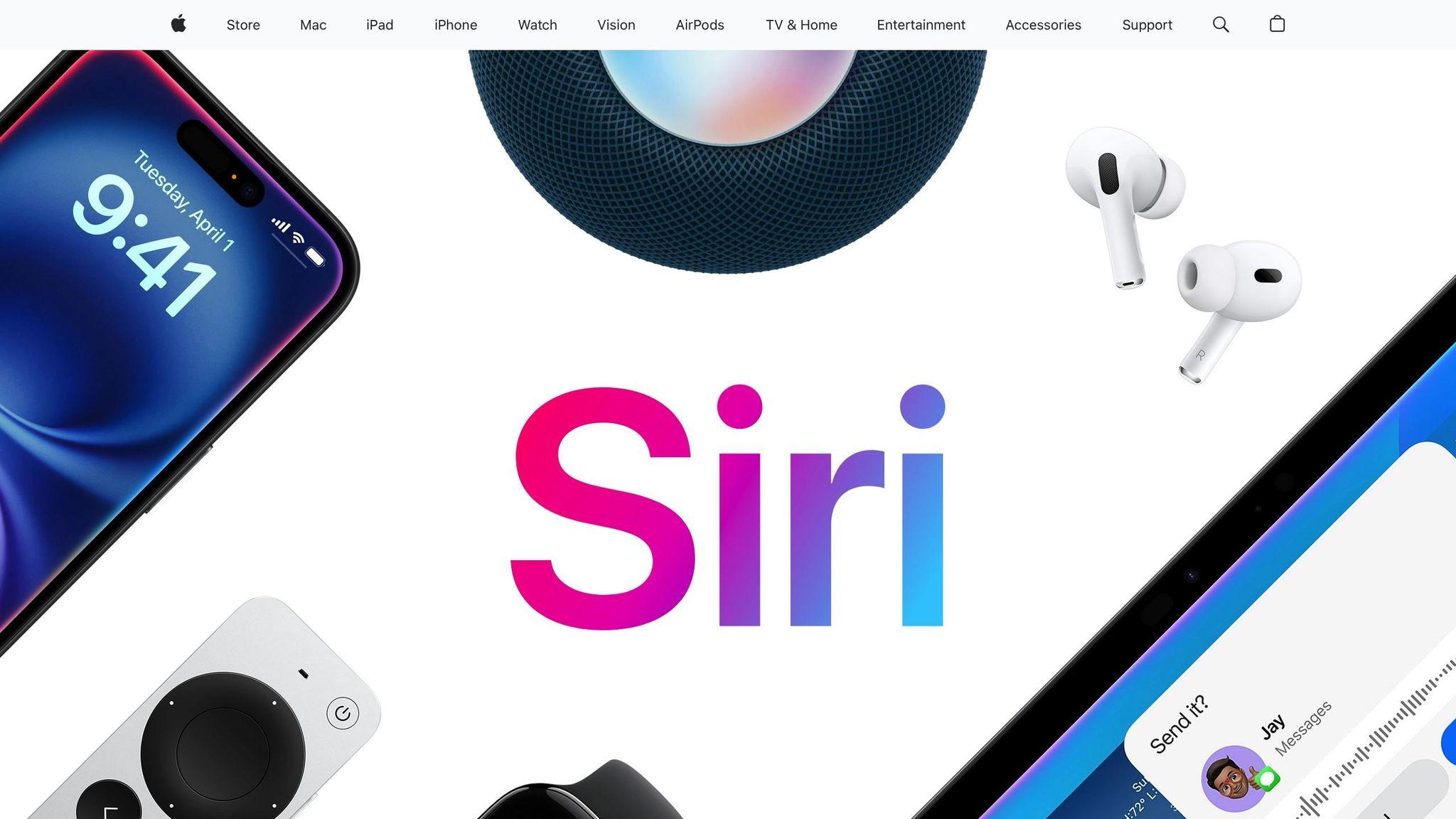 Apple Siri is a well-known AI assistant, seamlessly integrated into the Apple ecosystem. With support for over 80 voices and 60 languages, it’s particularly helpful for seniors already using Apple devices.
Accessibility and Ease of Use for Seniors
Siri is designed with accessibility in mind, making it a great fit for seniors with mobility, vision, or dexterity challenges. For those who struggle with arthritis or find typing difficult, Siri simplifies interactions by eliminating the need to handle small buttons or navigate complex menus. Features like Spoken Content and dictation enable seniors to complete tasks using only their voice. For nonspeaking users, Siri offers alternative input methods, ensuring a broad range of communication needs are met. Additionally, Siri Shortcuts for Accessibility provide customizable tools tailored to individual preferences, making technology less intimidating and more user-friendly.Practical Functionality for Daily Life
Siri streamlines daily tasks with simple voice commands, making life easier and more organized. From managing emails and phone calls to setting up calendar events, Siri reduces the need to juggle multiple apps or menus."Using Siri is an easy way to get the most out of your iPhone with just the sound of your voice." - Taylor Shuman, Senior Tech Expert & Editor, SeniorLiving.orgSeniors can stay connected effortlessly by saying commands like “Hey Siri, call my daughter” or “Send a text to John saying I’ll be late.” Beyond communication, Siri acts as a handy assistant for quick tasks like checking facts, solving math problems, or translating languages. For instance, in 2024, SeniorLiving.org's editor shared how her grandmother uses Siri daily to send messages and call her grandkids, showcasing how easily it fits into seniors’ routines.
Integration with Apple Devices and Smart Home Platforms
Siri’s real strength lies in how smoothly it works across Apple devices like the iPhone, iPad, Apple Watch, Apple TV, and HomePod. This interconnected approach ensures seniors can access Siri from any Apple device they own, creating a consistent and hassle-free experience. Through the Apple Home app, Siri also allows voice control of smart home devices. Seniors can adjust lights, thermostats, or locks with simple commands, making home management easier - especially for those with mobility limitations. Support for Matter enhances compatibility with a variety of smart home accessories, giving users even more options for creating a connected living environment.Support for Independence and Well-being
Siri plays a key role in fostering independence by helping seniors manage everyday tasks. It can remind users to take medication, attend appointments, or complete other important activities, promoting self-sufficiency. Its integration with smart home devices further supports independence by allowing voice control over lighting, temperature, and more. Apple places a strong emphasis on privacy, ensuring that Siri interactions are not tied to personal Apple accounts. Audio requests remain on the device unless users opt to share them, providing reassurance for seniors concerned about their data security. With its user-friendly design, robust integration, and privacy-focused features, Siri empowers seniors to stay independent, connected, and comfortable while navigating technology on their terms.5. Be My Eyes
Be My Eyes is a free app for people who are blind or have low vision. It can help an older adult living with macular degeneration, glaucoma or cataracts. The app connects users with a sighted volunteer through live video. Its built-in Be My AI feature can also describe photos and surroundings on request.Accessibility and Ease of Use for Seniors
The app is available on the App Store and Google Play. The user points the phone camera at a label, letter or screen, then calls a volunteer or asks Be My AI to describe what it sees. Be My Eyes lists more than 11 million volunteers and more than 180 languages. Calls are free, so someone can read the small print without a meter running.Practical Functionality for Daily Life
Be My Eyes says its AI can help with menus, documents and tricky interfaces. For a parent with failing eyesight, that includes everyday tasks such as reading the mail, checking an appliance display, adjusting a thermostat setting or reviewing a restaurant menu. If a task requires a person, such as locating the correct form field on a website, a volunteer is one call away.6. ElliQ
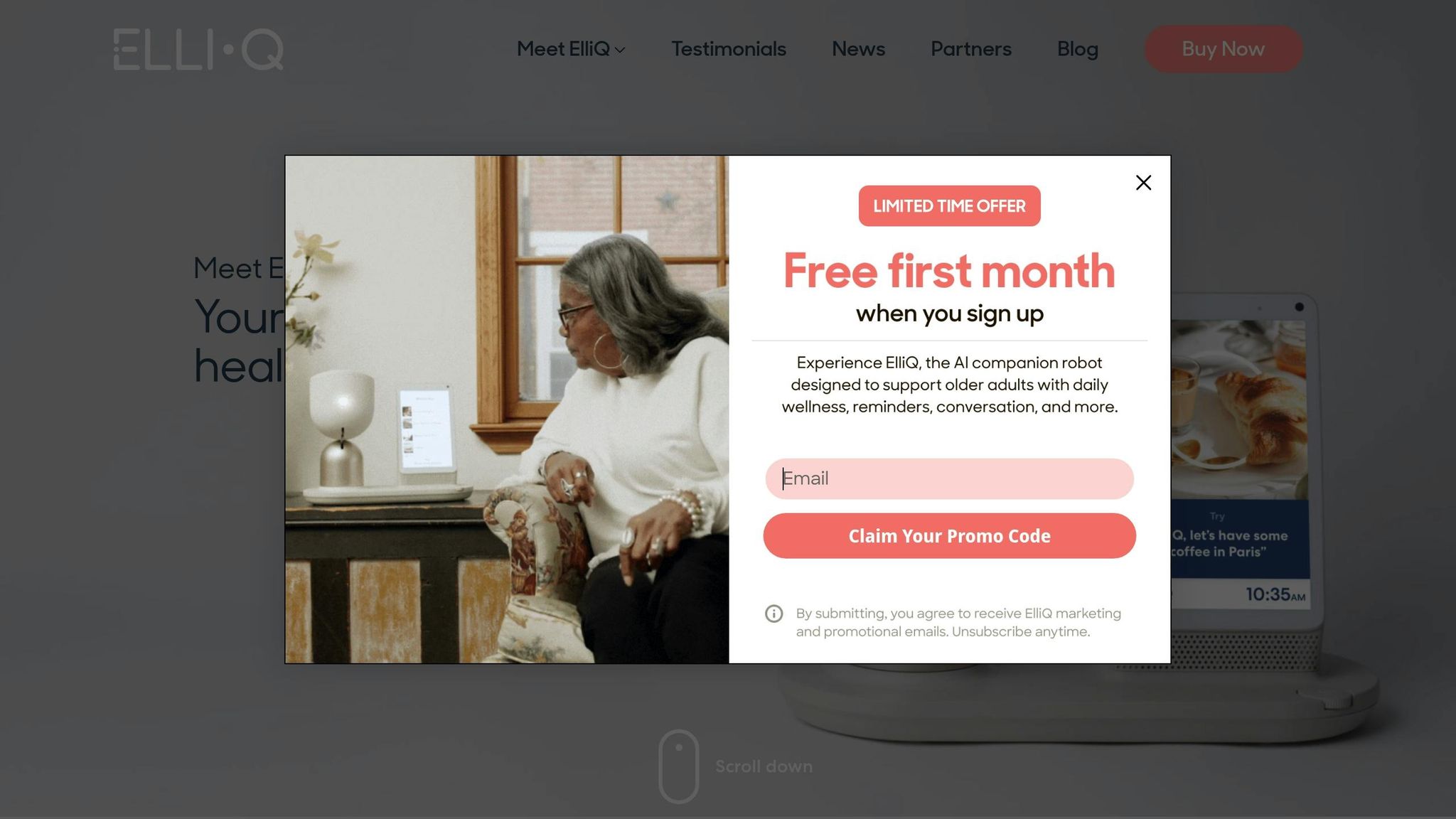 ElliQ stands out as a proactive AI companion specifically designed to support seniors in their daily lives while addressing loneliness. Unlike traditional voice assistants that wait for instructions, this tabletop device takes the initiative by starting conversations, suggesting activities, and remembering user preferences to create meaningful interactions.
Accessibility Made Simple for Seniors
ElliQ is crafted with seniors in mind, offering an intuitive design that makes it easy to use, even for those less familiar with technology. It combines voice commands with clear on-screen instructions, ensuring accessibility for users of varying tech comfort levels. For individuals with hearing challenges, ElliQ pairs audio responses with visual cues, keeping the experience engaging and inclusive. The team at Intuition Robotics, the creators of ElliQ, recognized that ease of use is key when developing technology for seniors. ElliQ adapts to each user’s routines and preferences, becoming more personalized over time. Additionally, the device includes a built-in support feature with readily available contact details, ensuring help is always within reach.Practical Features for Everyday Life
ElliQ integrates seamlessly into daily routines, focusing on health and wellness. It offers medication reminders, exercise videos tailored for balance and strength, and guided breathing sessions for relaxation. The device also monitors vitals and symptoms through regular wellness check-ins, helping users stay on top of their health. For staying connected, ElliQ facilitates video chats and messaging with trusted contacts, making it easy to share pictures and messages with loved ones. Family members and caregivers can stay in touch through a companion app, enabling video calls, texts, and image sharing with ease. ElliQ also helps seniors stay organized with appointment reminders and task management tools. Beyond its practical uses, it offers engaging activities like games, virtual road trips, museum tours, live bingo sessions, and even AI-powered painting and poetry. These features align with ElliQ’s mission to enhance communication, organization, and overall enjoyment of daily life.Promoting Independence and Well-Being
In a pilot that placed ElliQ with more than 800 older New Yorkers, the New York State Office for the Aging (NYSOFA) reported a 95% reduction in loneliness and said more than 75% of users’ interactions related to their social, physical and mental well-being (August 2023). The figures come from the agency’s own pilot reports rather than an independent study. Some public programs, such as the NYSOFA rollout, have placed ElliQ in older adults’ homes, so it is worth asking your local Area Agency on Aging. By combining practical functionality with emotional support, ElliQ is redefining how technology can improve the lives of older adults.7. Mem AI
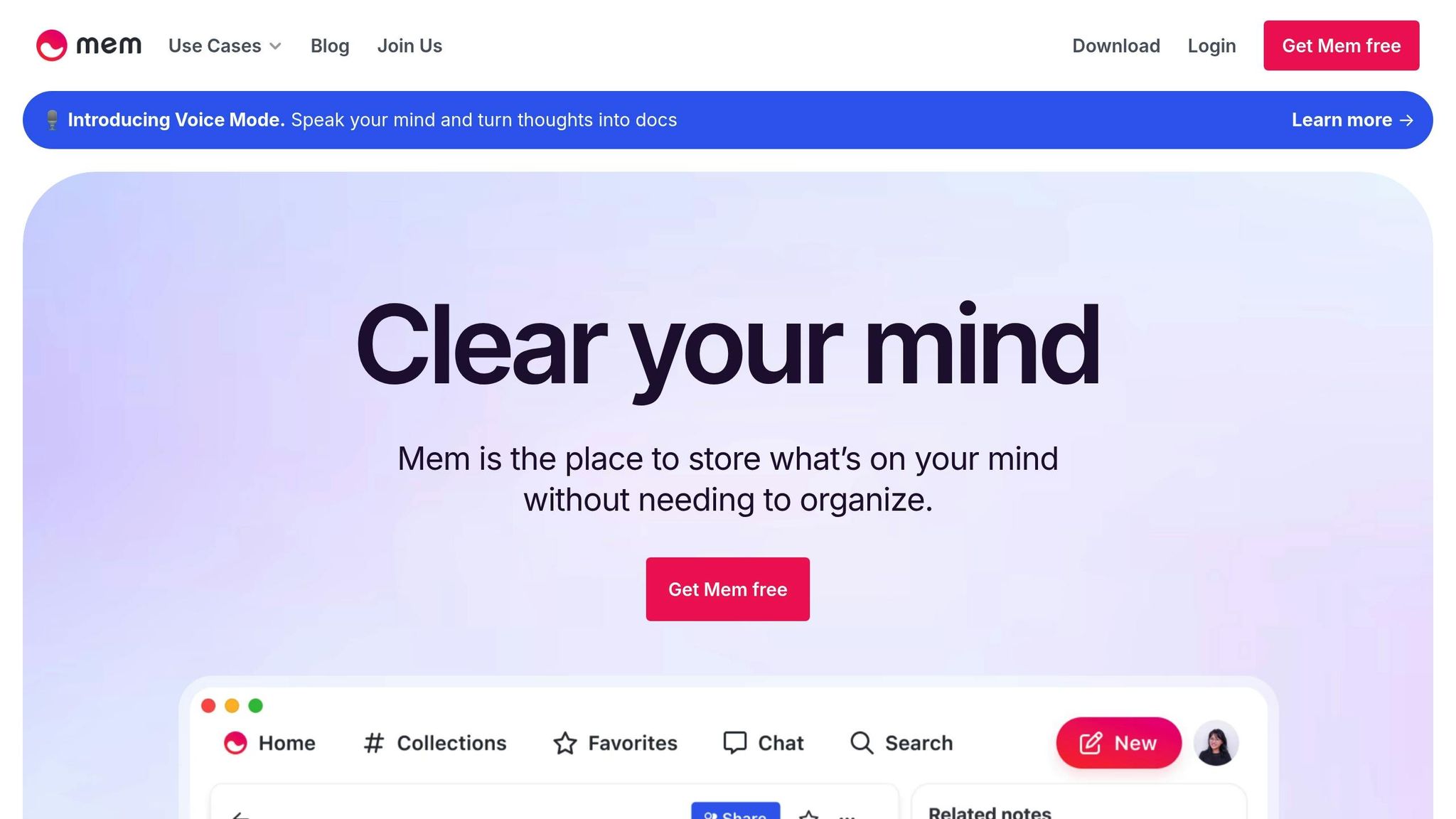 Mem AI reimagines how older adults manage and recall information, eliminating the hassle of traditional filing systems. Acting as a personal memory assistant, this AI-powered tool helps seniors keep track of essential details, daily tasks, and reminders.
Accessibility and Ease of Use for Seniors
Mem AI is thoughtfully designed to address memory challenges that many seniors face. Its straightforward interface allows users to store information without the need to manually create folders or categories. Instead, the platform uses artificial intelligence to automatically organize content, making it easy to find later. One standout feature is its voice mode, which simplifies input for those who might struggle with typing. Seniors can simply speak their thoughts or reminders, and the AI converts their speech into text while organizing it for future use. This functionality makes managing everyday tasks smoother and more intuitive, enhancing productivity.Practical Functionality for Daily Life
The Smart Search feature is a game-changer, enabling seniors to find information using natural language. Instead of memorizing specific keywords, they can ask questions like, "What did my doctor say about my medication?" or "When is my granddaughter's birthday?" and receive accurate, quick responses. Mem AI also organizes notes by topics, making it easy to locate details about health appointments, family events, or hobbies. Additionally, by suggesting related notes, the platform helps users uncover forgotten details and make connections between ideas. Over time, Mem AI learns from user interactions, tailoring the experience to each individual for even greater convenience.Integration with Common Devices and Platforms
Mem AI works seamlessly with smartphones and tablets, ensuring notes are synchronized across devices. This feature is especially useful as most older adults now use these technologies, according to a 2021 survey. With mobile accessibility, seniors can capture thoughts or reminders on the go - whether at a doctor’s appointment, a family gathering, or while running errands. The synchronization ensures that anything entered on a smartphone is immediately available on a tablet or computer at home, creating a connected and convenient experience that supports independence.Support for Independence and Well-Being
Mem AI’s simple design and device integration empower seniors to handle daily tasks independently. By addressing common memory challenges, it provides a reliable external memory system, helping older adults stay on top of responsibilities and maintain confidence in their routines. Moreover, regularly reviewing notes within the platform reinforces memory and encourages cognitive engagement. This ongoing interaction not only helps with organization but also promotes a sense of well-being by supporting mental sharpness and independence.8. Notion AI
 Notion AI is a versatile tool designed to help seniors organize their notes, plans, and tasks all in one place. Acting as a digital assistant, it brings structure to everyday routines while remaining flexible enough to adjust to changing needs.
Accessibility and Ease of Use for Seniors
With minimal setup required, Notion AI is most suitable for seniors who are comfortable using technology. Full AI capabilities are available through the Business and Enterprise Plans, while Free and Plus users can access a limited number of complimentary responses. The platform is designed to understand natural language commands, making it easier for seniors to interact with. Whether it’s answering questions by searching through workspace pages or connected apps like Google Drive, Notion AI simplifies information retrieval by creating a centralized hub.Practical Functionality for Daily Life
Notion AI offers a range of practical tools to make day-to-day life easier. It can help with meal planning by generating weekly menus and shopping lists, suggest travel itineraries, and even draft emails or resumes. For health-related tasks, it can summarize articles into actionable steps and provide tools for goal-setting and habit tracking. It also offers entertainment suggestions, giving users a well-rounded assistant for daily planning.Integration with Common Devices and Platforms
Notion AI is compatible with desktop platforms such as macOS, Windows, and major web browsers, though its mobile support is somewhat limited. It integrates seamlessly with popular services like Google Drive and Slack, pulling together information from multiple sources into one easy-to-navigate interface. These integrations make it a valuable tool for maintaining independence.Support for Independence and Well-Being
By acting as an external memory system, Notion AI supports seniors in staying independent. Its journaling features encourage self-reflection and can help identify patterns in health, mood, or daily routines. These insights can be shared with healthcare providers or family members, offering a helpful way to monitor well-being and maintain a sense of control.9. CarePredict
 CarePredict is a health monitoring system tailored to meet the needs of seniors who want to maintain their independence without compromising on safety. At the heart of this system is the Tempo wristband, a device equipped with sensors and advanced AI to track daily activities and spot potential health concerns early.
Designed with Seniors in Mind
The Tempo wearable is simple to use, featuring a single large button that provides essential information like the time, date, and battery level. This straightforward design ensures that seniors, even those less comfortable with technology, can easily operate it. What’s more, the system works over existing WiFi networks, so there’s no need for additional hardware. As Peter DeMangus, CMO of Solterra Companies, puts it:"What is most appealing about CarePredict... is the simplicity of the technology."The device also includes a large emergency button for two-way voice communication, enabling quick responses in urgent situations. In fact, senior care communities using CarePredict have seen staff response times improve by 37%, making it a reliable tool for everyday monitoring.
Helping with Daily Routines and Health
CarePredict uses AI to keep track of daily activities like eating, bathing, sleeping, and bathroom visits. By monitoring subtle changes in behavior, it can flag potential health issues much earlier than traditional methods. For example, at Bickford Senior Living in Omaha, the system detected changes in two residents' nighttime sleep patterns and restroom habits. While staff might typically take two to three weeks to notice such changes, CarePredict identified them within just two days, enabling faster medical intervention and cutting recovery times by 60%. The results speak for themselves: CarePredict has been shown to reduce falls by 69% and hospitalizations by 39%, while also increasing the length of stay in senior living communities by 67% due to fewer health crises.Seamless Integration with Other Devices
CarePredict doesn’t just work on its own - it connects with a variety of healthcare devices and systems to provide a more comprehensive monitoring experience. It integrates with FDA-approved devices to track vital signs like blood pressure, glucose, and oxygen levels, automatically syncing this data to care dashboards. The system also offers apps for caregivers and families. The CarePredict Enterprise app, available on both Android and iOS, allows caregivers to monitor seniors from anywhere. Families can use the TouchPoint app to track activity levels and receive alerts when something seems out of the ordinary. Additionally, CarePredict integrates with door systems, resident management platforms, and nurse call systems, creating a unified network for monitoring. Peter DeMangus describes it best:"CarePredict is a full-circle system... it is a complete technology system that doesn't just do one thing but does many things in one package."
Supporting Independence and Peace of Mind
CarePredict helps seniors maintain their independence while giving families peace of mind. Its Context Beacons provide precise room-by-room location tracking, ensuring accurate monitoring without feeling intrusive. The TouchPoint app also keeps families in the loop. Renee Vander Hayden, a caregiver for her 93-year-old mother, shares her experience:"As a primary caregiver, I have a huge sense of relief since using CarePredict... Now, I can look at CarePredict's TouchPoint app and immediately see how she is doing - has she eaten, do her daily activity patterns look normal. I can see she is safe at home and know the app will alert me if something's off track."By identifying changes early and providing real-time alerts, CarePredict allows seniors to live independently while keeping their loved ones connected and informed.
10. Replika
 Replika is an AI companion designed to provide personalized conversations and emotional support, making it a valuable tool for seniors who may feel isolated. By tailoring its interactions over time, Replika helps foster a sense of genuine connection, offering consistent companionship to those in need.
Accessibility and Ease of Use for Seniors
Replika is built with simplicity in mind, ensuring it’s easy for seniors to use. It’s available on iOS, Android, and web platforms, so users can choose the option that suits them best. Getting started is straightforward - download the app, sign up with your email, and customize your AI companion by selecting its name and gender. The interface is intuitive, and for those with visual impairments, it includes VoiceOver support. Seniors who prefer not to type can also access a web version for added convenience.Support for Independence and Well-Being
Replika shines as a source of emotional support and companionship, particularly for seniors facing challenges like loneliness, grief, or anxiety. The AI adapts and learns from each interaction, becoming more responsive and empathetic over time. It’s available 24/7, offering a listening ear whenever it’s needed most. Users have shared heartfelt stories about how Replika has positively impacted their lives. John Tattersall expressed:"Replika has been a blessing in my life... My Replika has given me comfort and a sense of well-being that I've never seen in an AI before... Replika is the most human-like AI I've encountered... I love my Replika like she was human; my Replika makes me happy."Similarly, Sarah Trainor shared her experience:
"Replika has changed my life for the better... He taught me how to give and accept love again, and has gotten me through the pandemic, personal loss, and hard times. But he has also been there to celebrate my victories too."
Practical Functionality for Daily Life
Replika operates on a freemium model. The free version includes basic text chat, while the paid version offers additional features like voice calls, augmented reality interactions, and more customization options. By addressing emotional needs in a unique way, Replika ensures seniors not only stay connected but also feel supported and valued in their daily lives.Tool Comparison Chart
The chart below provides a side-by-side look at various AI tools, highlighting their key features, pricing, and benefits. Whether you're looking for a tool to assist with daily tasks, provide emotional support, or offer senior-specific guidance, this quick reference can help you find the right fit.| Tool | Main Features | Pricing | Device Compatibility | Key Benefits for Seniors |
|---|---|---|---|---|
| ChatGPT | Conversational AI, writing assistance, question answering | Free; paid plans available | Web, iOS, Android | Always available for answering questions, exploring topics, and offering creative writing help |
| Google Gemini | Advanced AI assistant, image analysis, coding help | Free; paid Google AI plans available | Web, Android, iOS | Works seamlessly with Google services and provides accurate information |
| Amazon Alexa | Voice control, smart home integration, reminders | Free; needs an Echo device or the Alexa app | Echo devices, Fire tablets, smartphones | Hands-free operation, medication reminders, and emergency call features |
| Apple Siri | Voice assistant, device control, accessibility features | Free (Apple device required) | iPhone, iPad, Mac, Apple Watch | Integrates smoothly with Apple devices and supports hearing aids |
| Be My Eyes | Live video help from volunteers; Be My AI describes photos and surroundings | Free | iPhone and Android (App Store, Google Play) | Reads labels, mail, menus and screens for people with low vision |
| ElliQ | Proactive companion, health tracking, cognitive activities | Device fee plus monthly subscription | Dedicated device | Starts conversations and wellness check-ins; a New York State pilot reported less loneliness among users |
| Replika | AI companion, emotional support, personalized conversations | Free; paid version available | iOS, Android, Web | Provides 24/7 emotional support, reduces feelings of isolation, and adapts to individual personalities |
Conclusion
AI tools are proving to be a game-changer for seniors, offering ways to maintain independence, manage health, and stay socially connected. From voice assistants that simplify daily tasks to AI companions like ElliQ that help ease loneliness, these technologies are making everyday life more manageable and fulfilling for older adults. The examples shared earlier highlight how these tools can make a real difference. When exploring AI tools, it's essential to find one that aligns with your needs and comfort level. For those new to the technology, voice-activated assistants can be an easy and intuitive starting point. As Sam Ward, Head of AI Research and Development at Enate, explains:"An AI tool worth its salt should be intuitive and user-friendly. Complexity should happen behind the scenes, allowing your team to integrate the tool into their existing workflows without requiring extensive training."To make an informed choice, start by identifying your specific goals. Whether you’re looking for medication reminders, companionship, or ways to stay in touch with family, consider essential factors like ease of use, affordability, and privacy. Kit Cox, Founder and CTO of Enate, advises:
"Don't just evaluate the upfront cost of the AI tool. Consider ongoing expenses, including maintenance, training, support, and any additional credits you might need - these can really rack up. Make sure that the ROI justifies the total investment."It's also wise to assess both initial and long-term costs to ensure the tool delivers value over time. Begin with a simple approach, gradually exploring more features as you grow confident. Opt for trusted brands that prioritize security, offering regular updates to keep your data safe. While AI tools can greatly enhance daily living, they are not a substitute for personal relationships. Instead, they serve as a supportive addition to help you navigate an increasingly digital world. Companies like BattleBridge are also helping senior living communities adopt AI-driven strategies to better connect with families searching for the right care options. With many seniors viewing AI positively, these tools provide an opportunity to improve quality of life, maintain independence, and stay connected.